
Appearance
Seat Map
The Seat Map shows every seat in a room as a dot, coloured by whether it's taken. Use it to find free seats, reserve seats for guests, and answer the AI's questions.
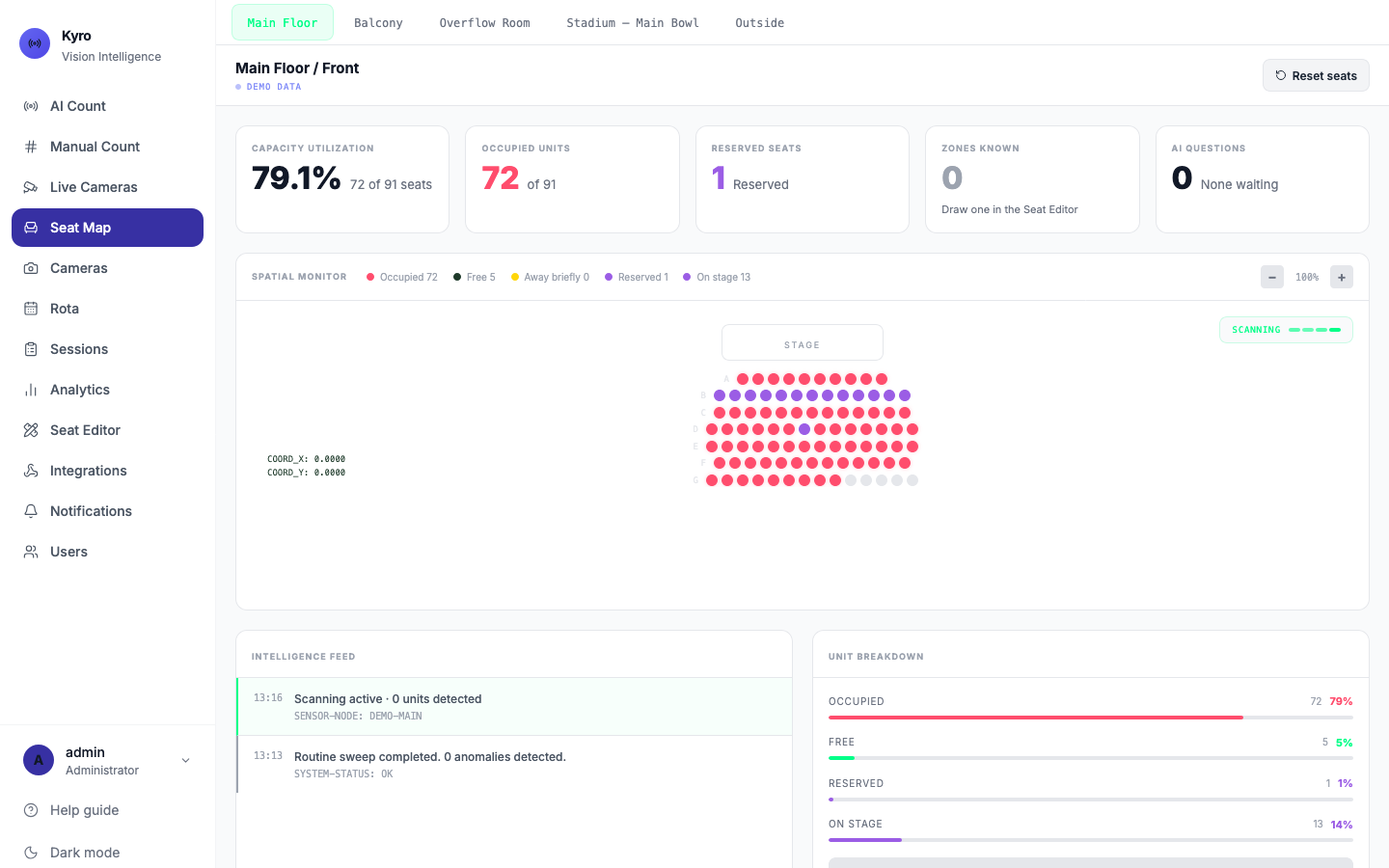
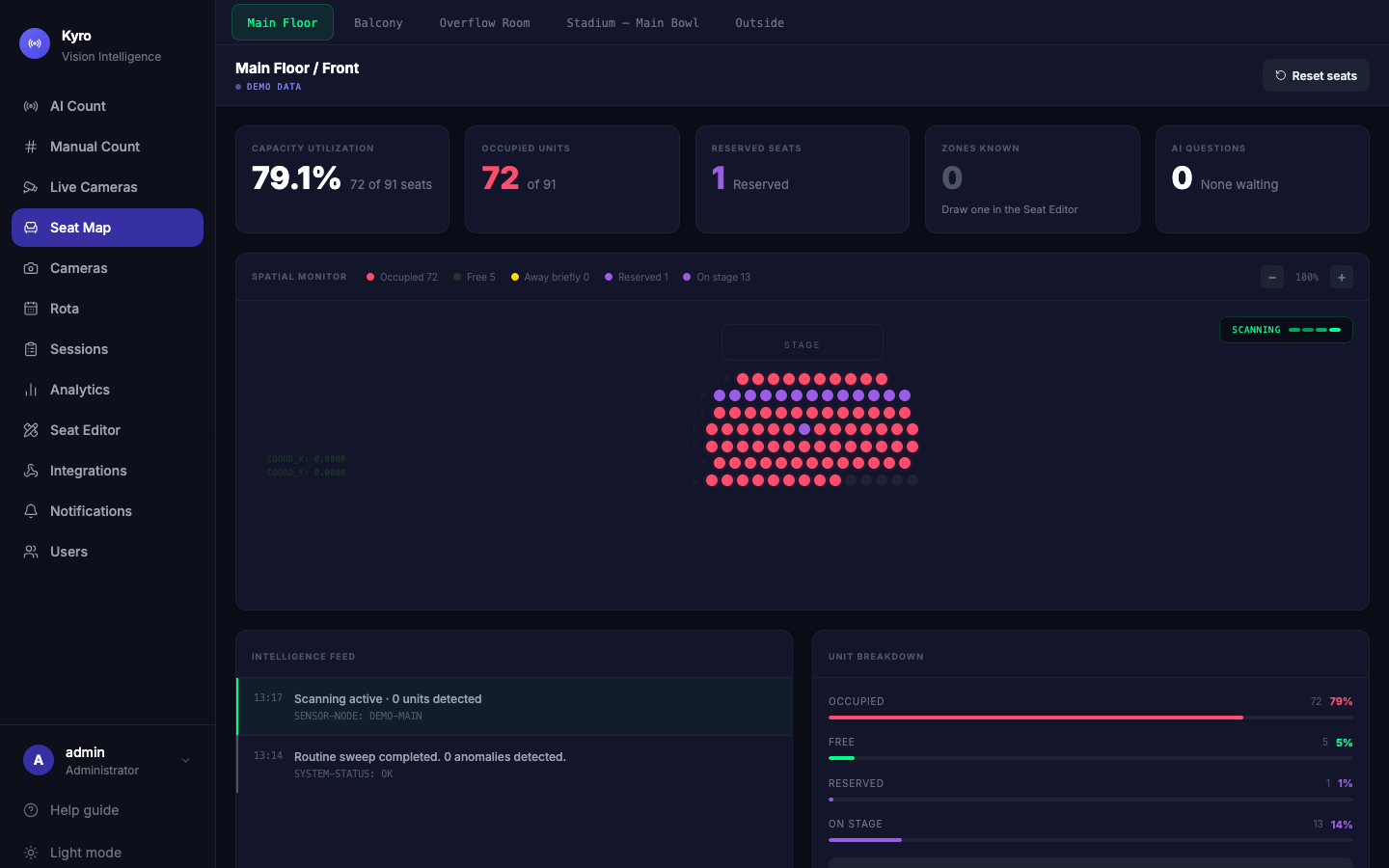
Choose a room
The tabs along the top are your cameras, named by room. Tap one to see its seats. An outdoor queue camera shows only People outside now.
Reading the map
The stage is at the top, and each row is lettered from the front (A, B, C…).
| Dot | Meaning |
|---|---|
| 🔴 Red | Occupied |
| ⚫ Dark | Free |
| 🟡 Yellow | Away briefly: the person has stepped out and is expected back |
| 🟣 Purple | Reserved, or held while the person is on stage, in the choir or at the altar |
| Faded, dashed | In an ignore area, so it isn't counted |
The cards along the top show Capacity utilisation, Occupied units, Reserved seats, Zones known (the stage, altar or choir areas drawn in the Seat Editor) and AI questions waiting for an answer. Use − and + to zoom the map.
Under the room name you'll see where the map's data comes from: LIVE (cameras connected), NOT CONNECTED, or DEMO DATA.
Reserve a seat
- Tap the seat's dot.
- Tap Reserve Unit.
- Optionally type who it's for, for example Guest speaker.
- Tap Confirm.
To change or cancel it, tap the purple dot, then Edit or Remove Reservation.
Correct the AI
If a seat is shown wrongly, tap it and choose Mark Occupied or Mark Free.
This only changes your screen
Marking a seat occupied or free updates the map you're looking at. It's for the moment, and it resets when the page reloads. Reservations are saved.
Export the seat list
Tap Download Manifest under Unit breakdown to download a spreadsheet of every seat and its state.
Reset seats
If the map has got into a muddle, tap Reset seats (top right). It clears any seats you marked Occupied or Free by hand and goes back to what the cameras see.
Reservations are kept unless you tick Also remove reservations. In Live mode Kyro asks for your password first.
AI questions on the Seat Map
When the AI isn't sure about something, such as someone walking to the front, a question card pops up. Unanswered questions collect in a panel at the bottom right. See AI questions & seat alerts.