
Appearance
Notifications
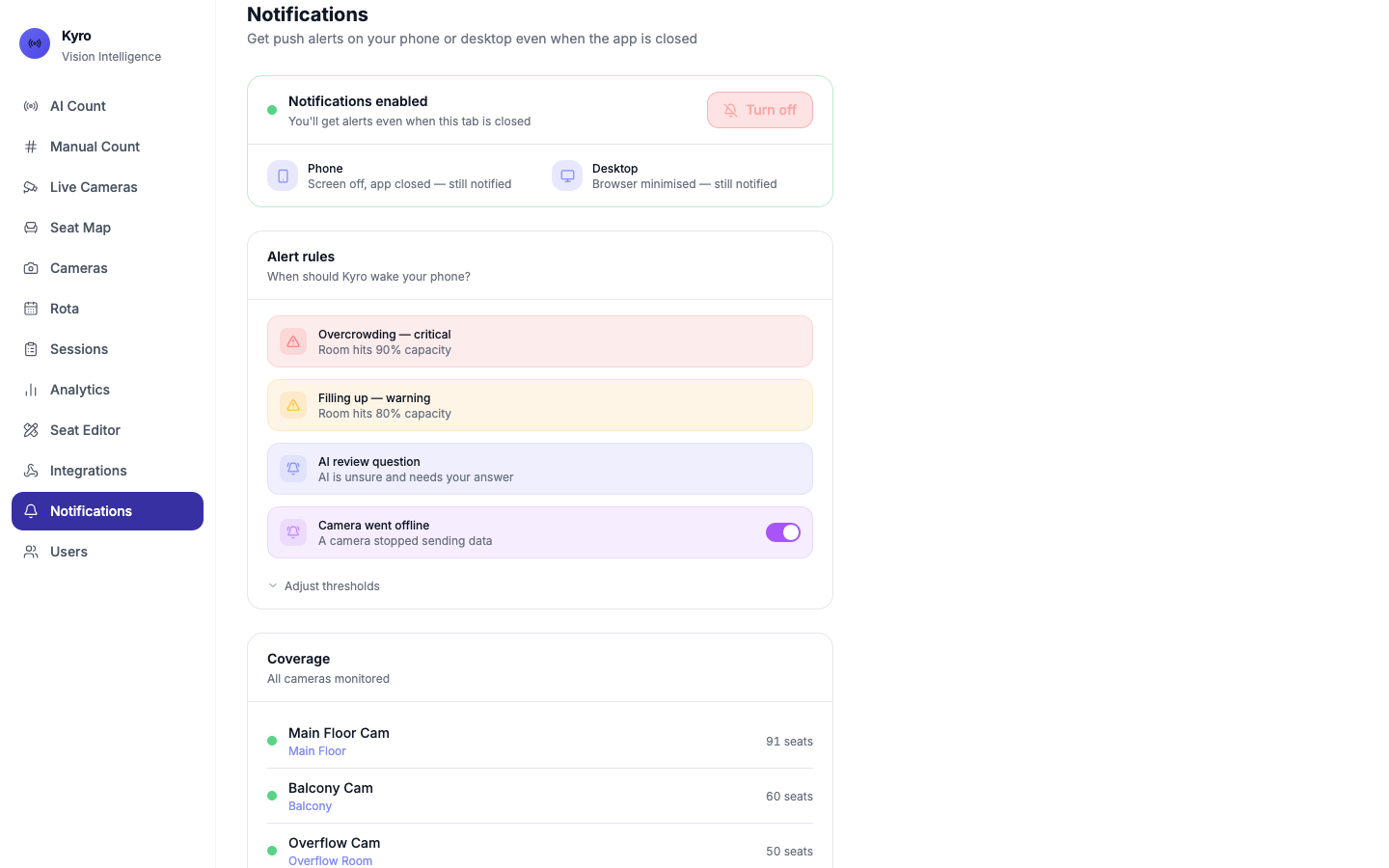
Notifications sends Kyro alerts to your phone or computer, even when Kyro is closed and your phone is locked. Turn it on once on each device you want alerts on.
For step-by-step setup on iPhone and Android, see Getting alerts on your phone.
Turn on
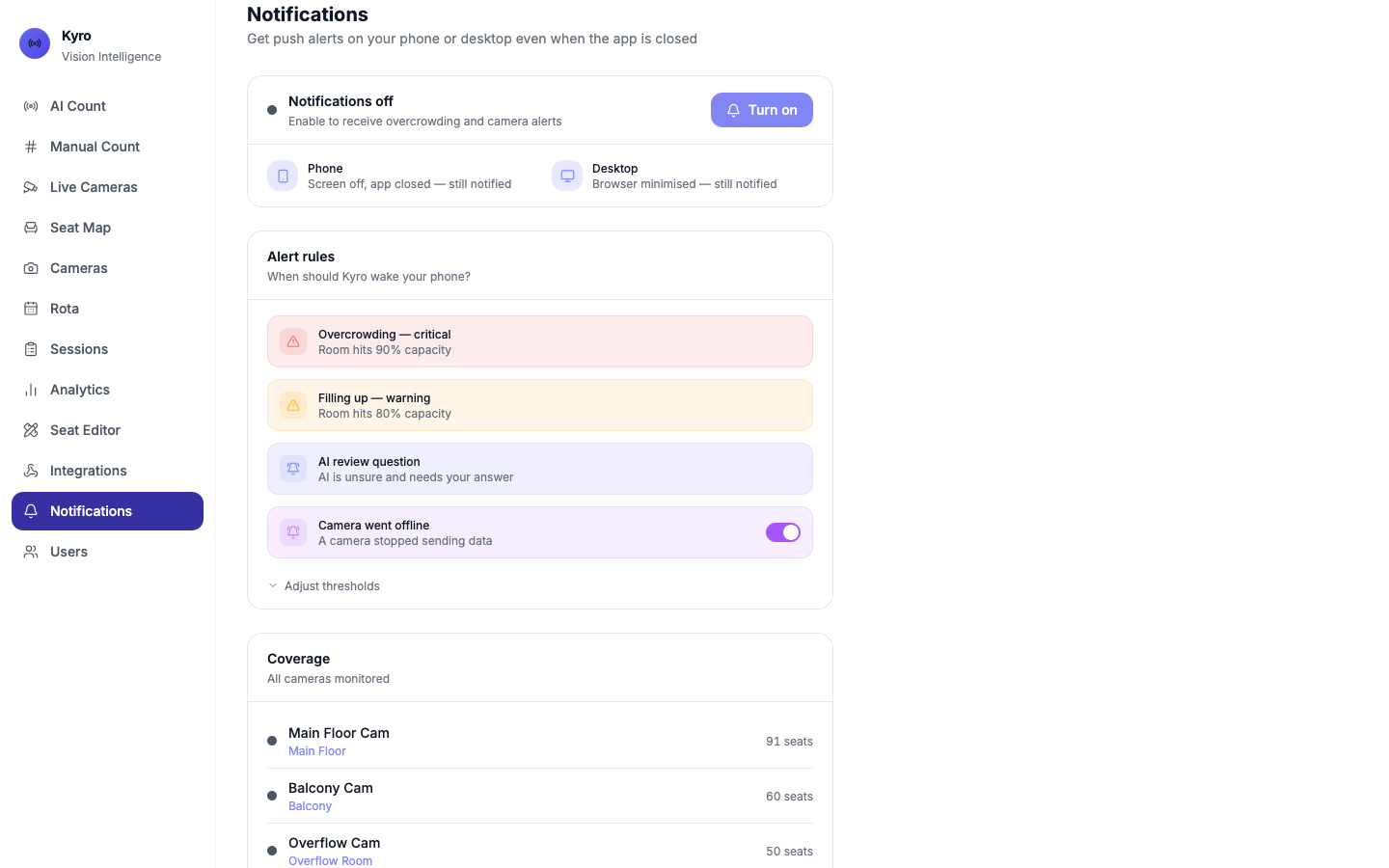
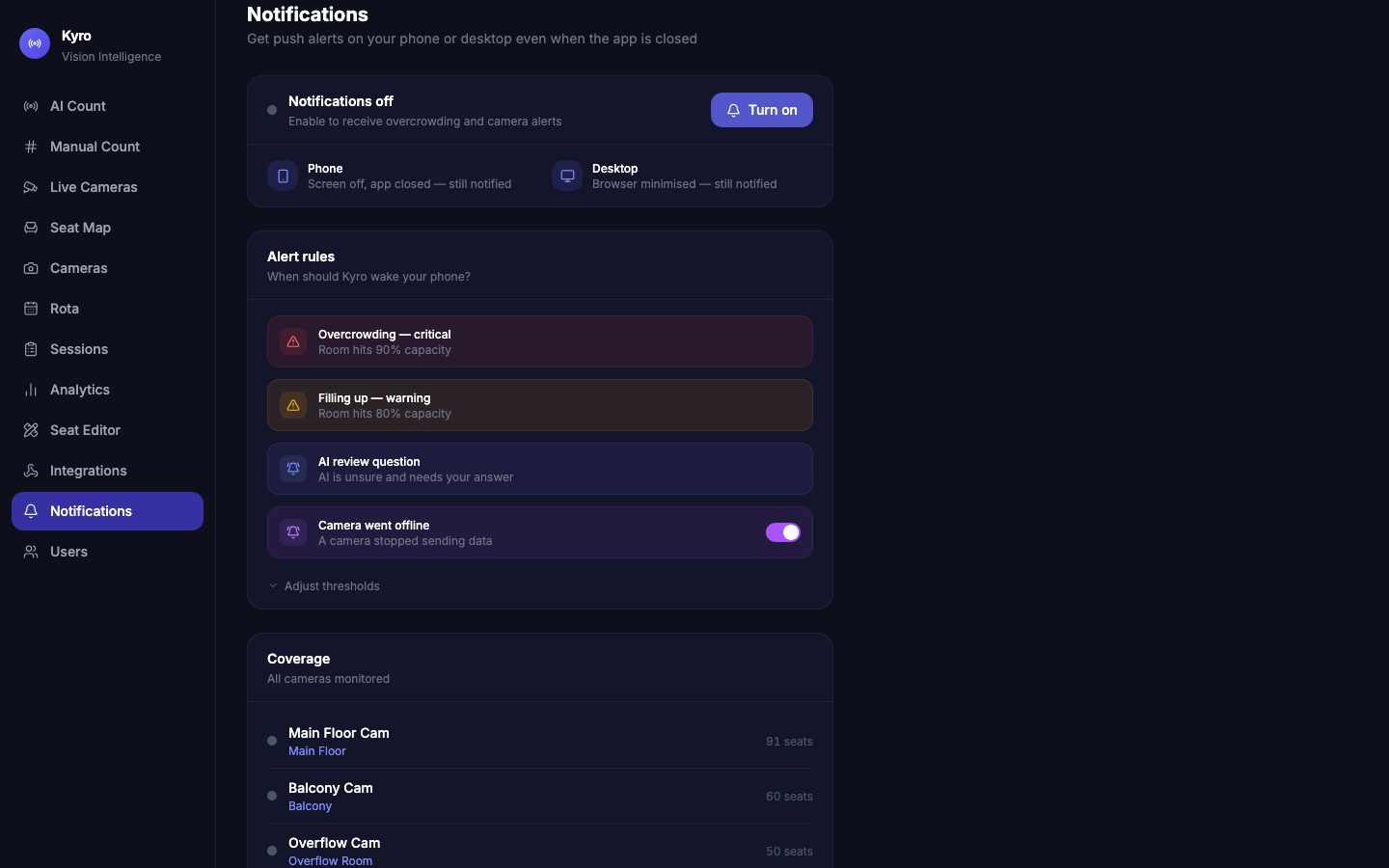
- Tap Turn on.
- When your browser asks, tap Allow.
- A welcome alert arrives: ✅ Kyro notifications active.
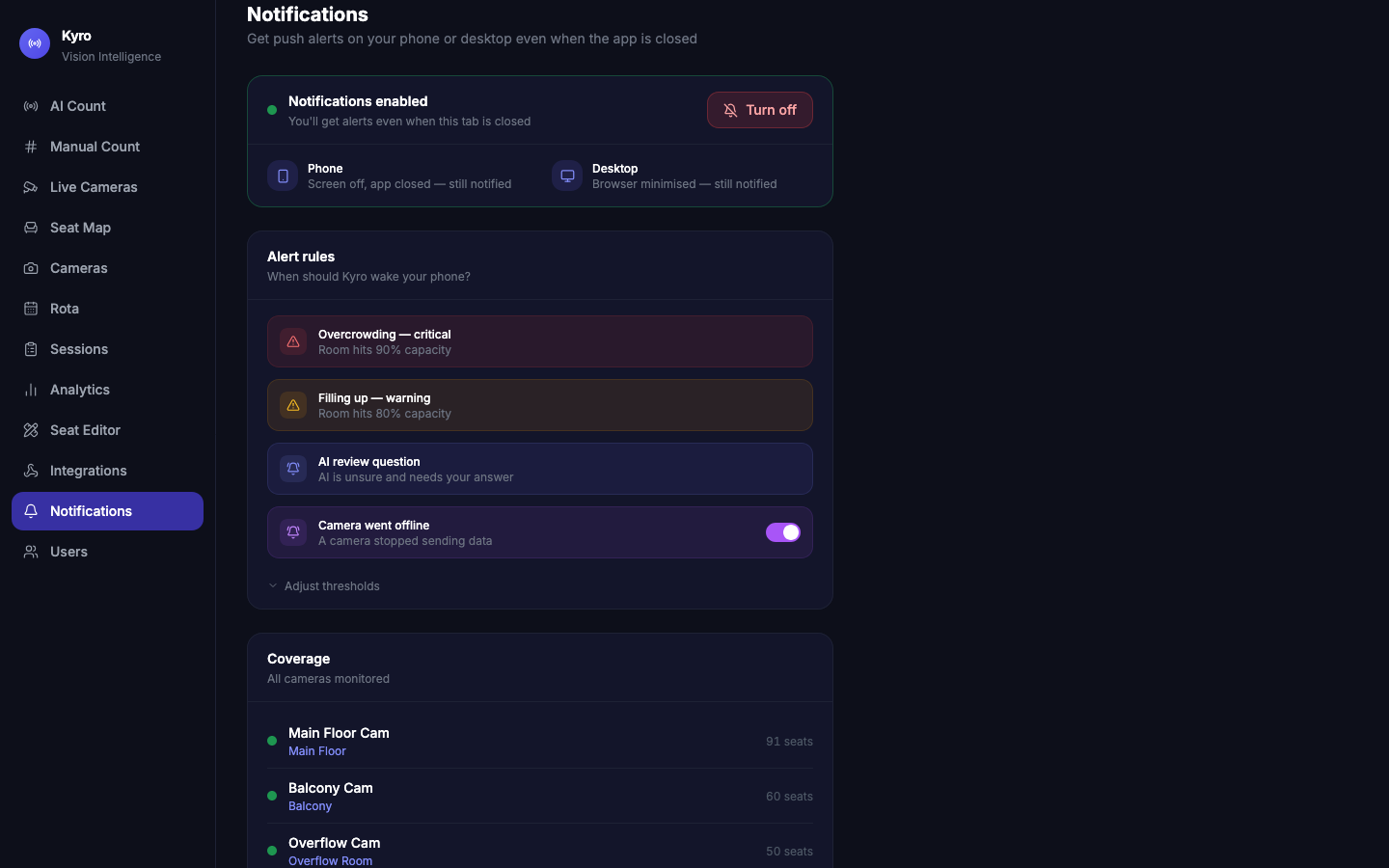
The card turns green and says Notifications enabled. Tap Turn off at any time to stop alerts on this device.
Alert rules
| Alert | When |
|---|---|
| Overcrowding — critical | A room reaches the critical level (90% by default) |
| Filling up — warning | A room reaches the warning level (80% by default) |
| AI review question | The AI needs your answer |
| Camera went offline | A camera stops sending pictures. Use the switch to turn these alerts off. |
Open Adjust thresholds to move the warning and critical levels. They save by themselves and apply to this device.
Test it
- Send test notification → Test: an alert arrives straight away.
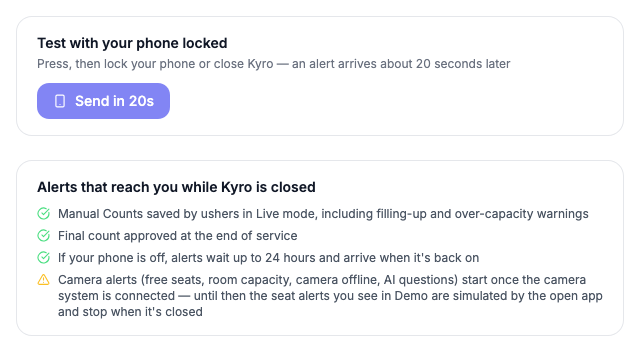
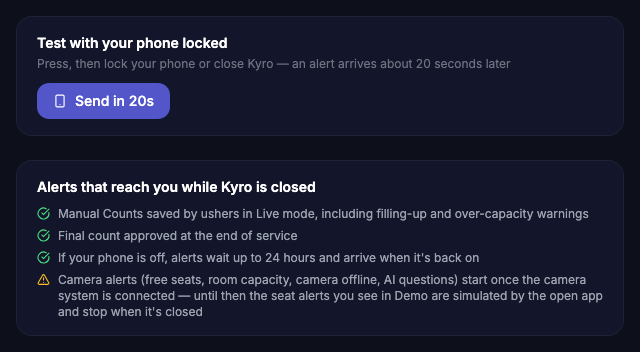
- Test with your phone locked → Send in 20s: tap it, then lock your phone or close Kyro. About 20 seconds later the alert should appear on your lock screen. This proves you won't miss alerts.
Which alerts reach you while Kyro is closed
The page lists exactly what can reach you on this setup:
- ✅ Manual counts saved by ushers in Live mode, including filling up and over capacity warnings
- ✅ Final count approved at the end of the service
- ✅ If your phone is off, alerts wait up to 24 hours and arrive when it's back on
- ⏳ Camera alerts (free seats, room capacity, camera offline, AI questions) start once the camera system is connected
Demo mode extras
In Demo mode you also get:
- Automatic demo alerts: sample alerts (free seats, rooms filling up, AI questions) arrive by themselves Every 15 min, Hourly, or Off. Nothing is sent between 10 PM and 7 AM. Each one is marked Demo.
- Fire demo alerts → Fire alerts: sends 7 sample alerts about 2 seconds apart. Tap it, then lock your phone to see them arrive.
Live mode never gets demo alerts.
If it says "Blocked"
You tapped Block when the browser asked. Tap the lock icon in the address bar → Notifications → Allow, then refresh the page.