
Appearance
Signing in
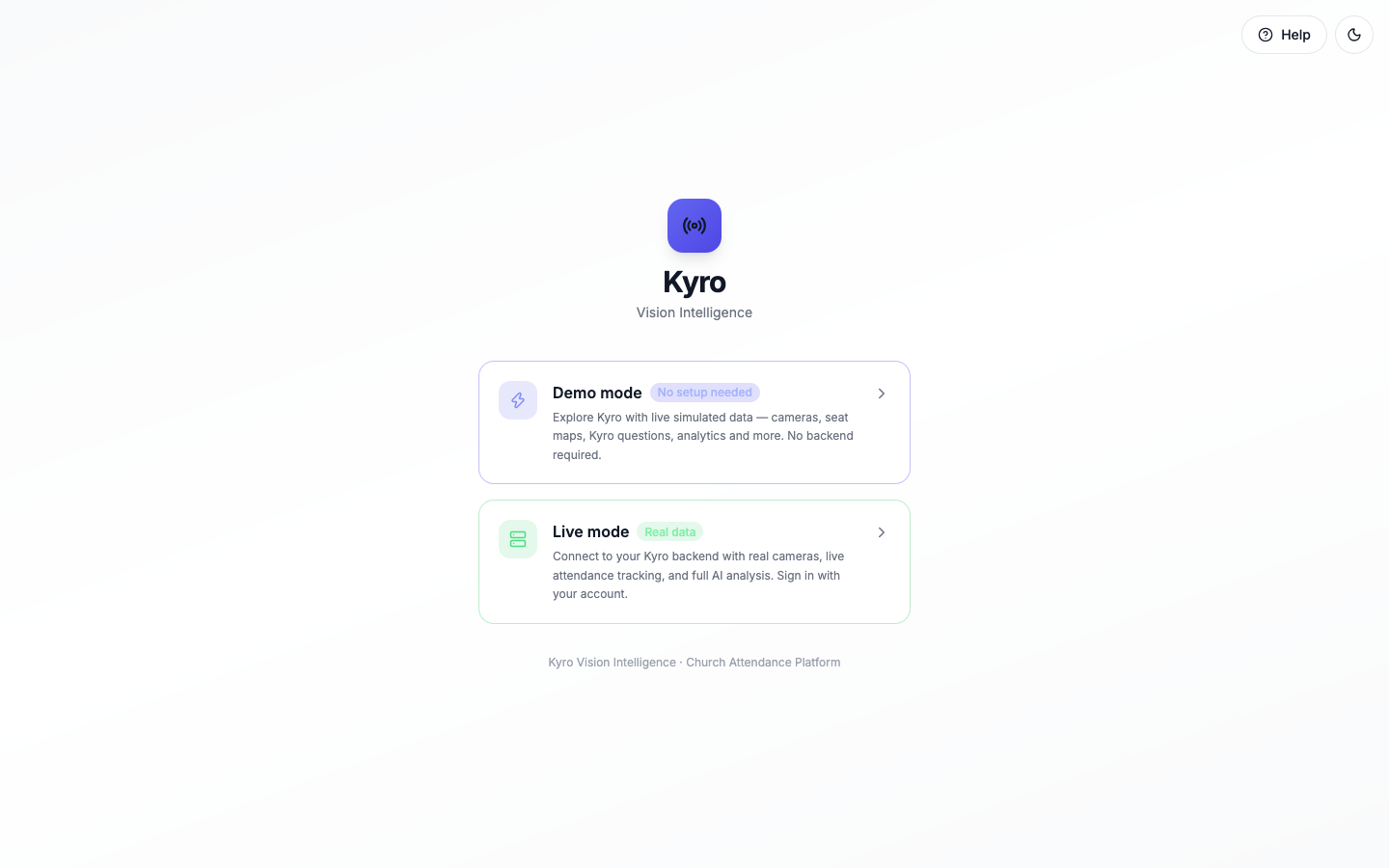
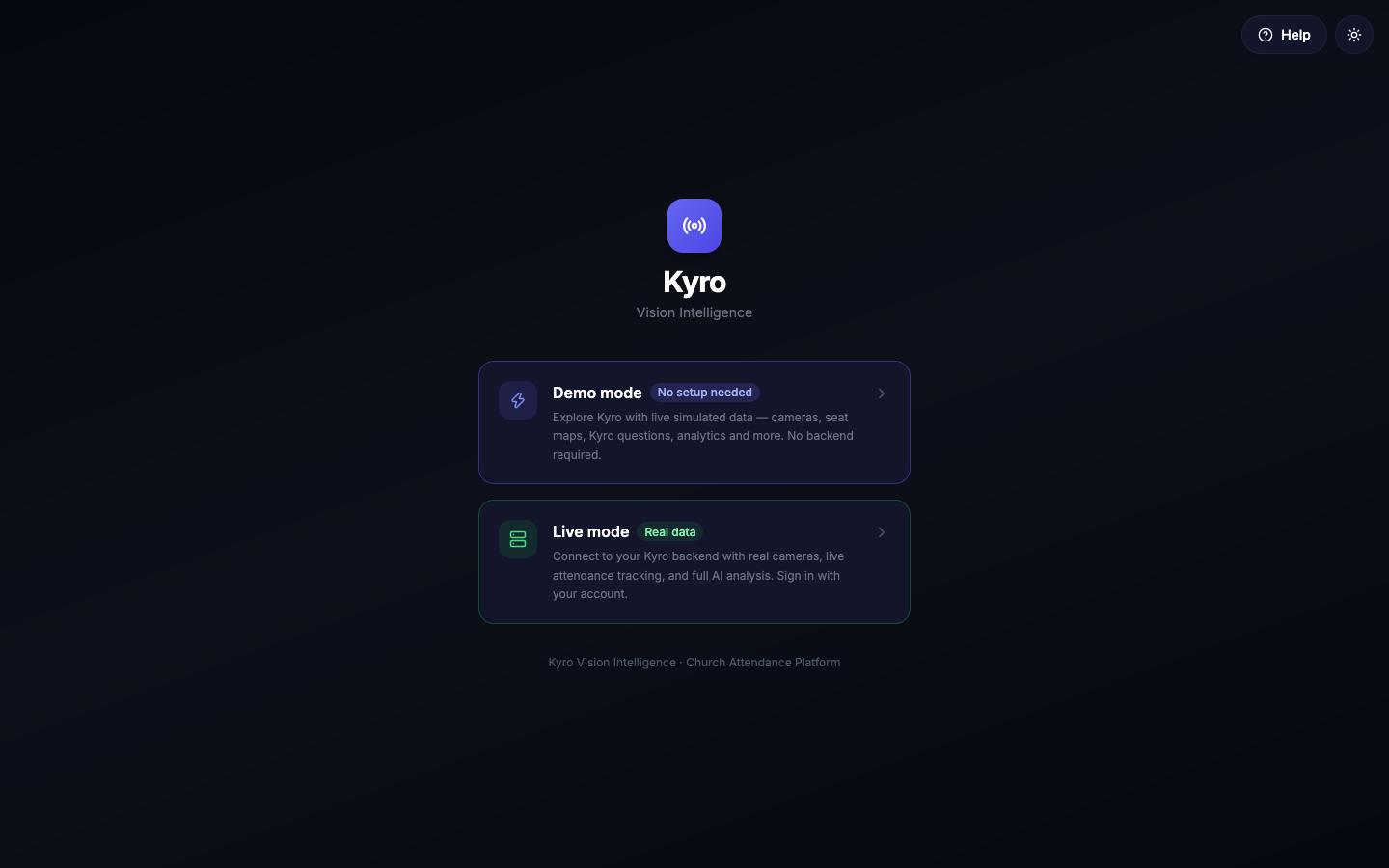
Open Kyro and you'll see two cards: Demo mode and Live mode. Pick one, then sign in.
Help before you sign in
Tap Help at the top right of the sign-in screen to open this guide. You don't need an account. The button next to it switches between light and dark.
Demo mode
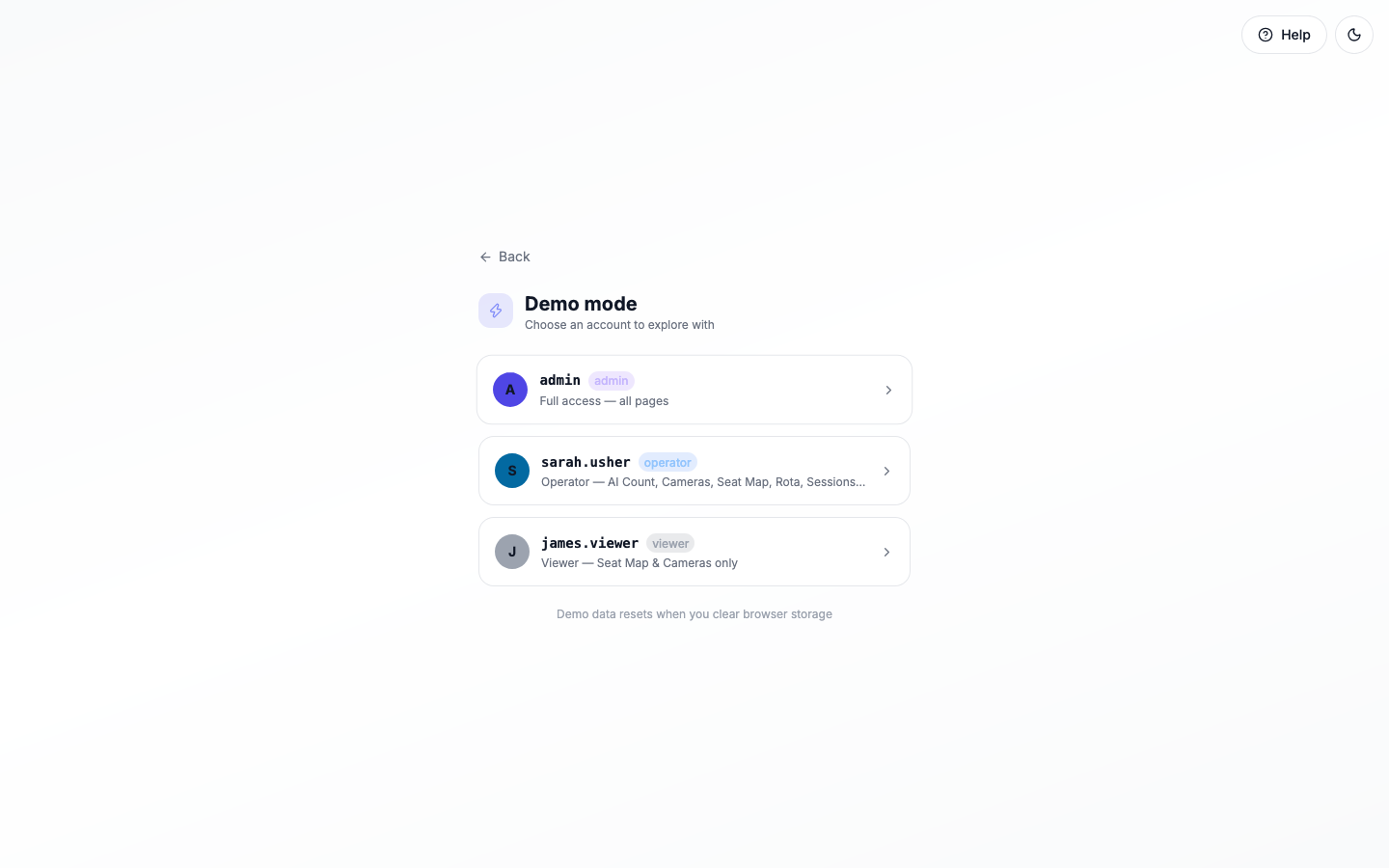
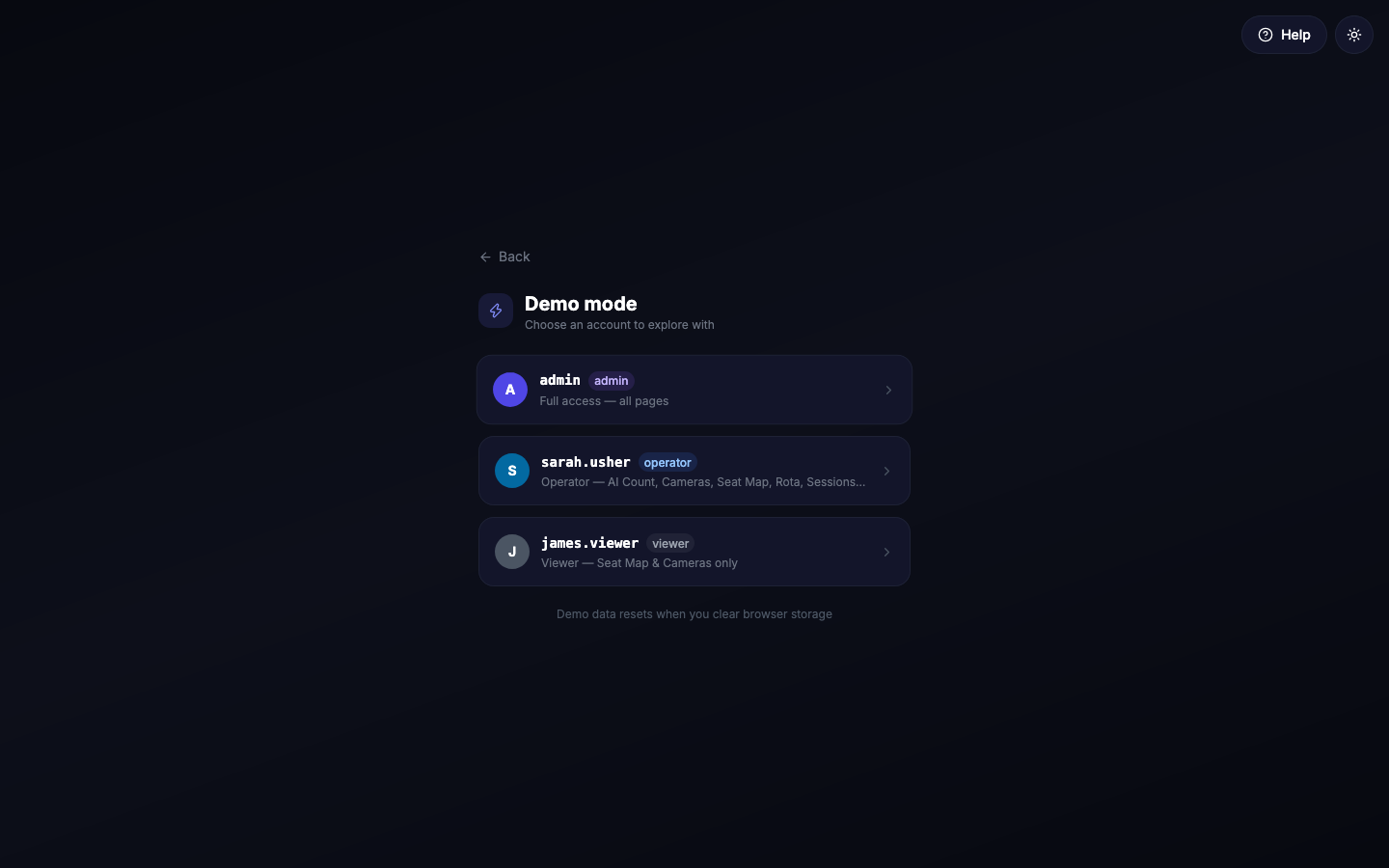
Demo mode needs no password. It's for exploring and training.
- Tap Demo mode.
- Tap the account you want to try.
| Account | Role | Good for trying |
|---|---|---|
| admin | Administrator | Everything, including Users, Integrations and the Seat Editor |
| sarah.usher | Operator | Running a service: counts, cameras, seat map, rota, sessions, analytics, notifications |
| james.viewer | Viewer | The simplest view: Seat Map, Cameras and Manual Count |
Any users you add on the Users page in Demo mode also appear in this list.
Demo data stays on your device
Demo data is kept in your browser only. Clearing your browser's storage resets it.
Live mode
- Tap Live mode.
- Enter your Username and Password.
- Tap Sign in.
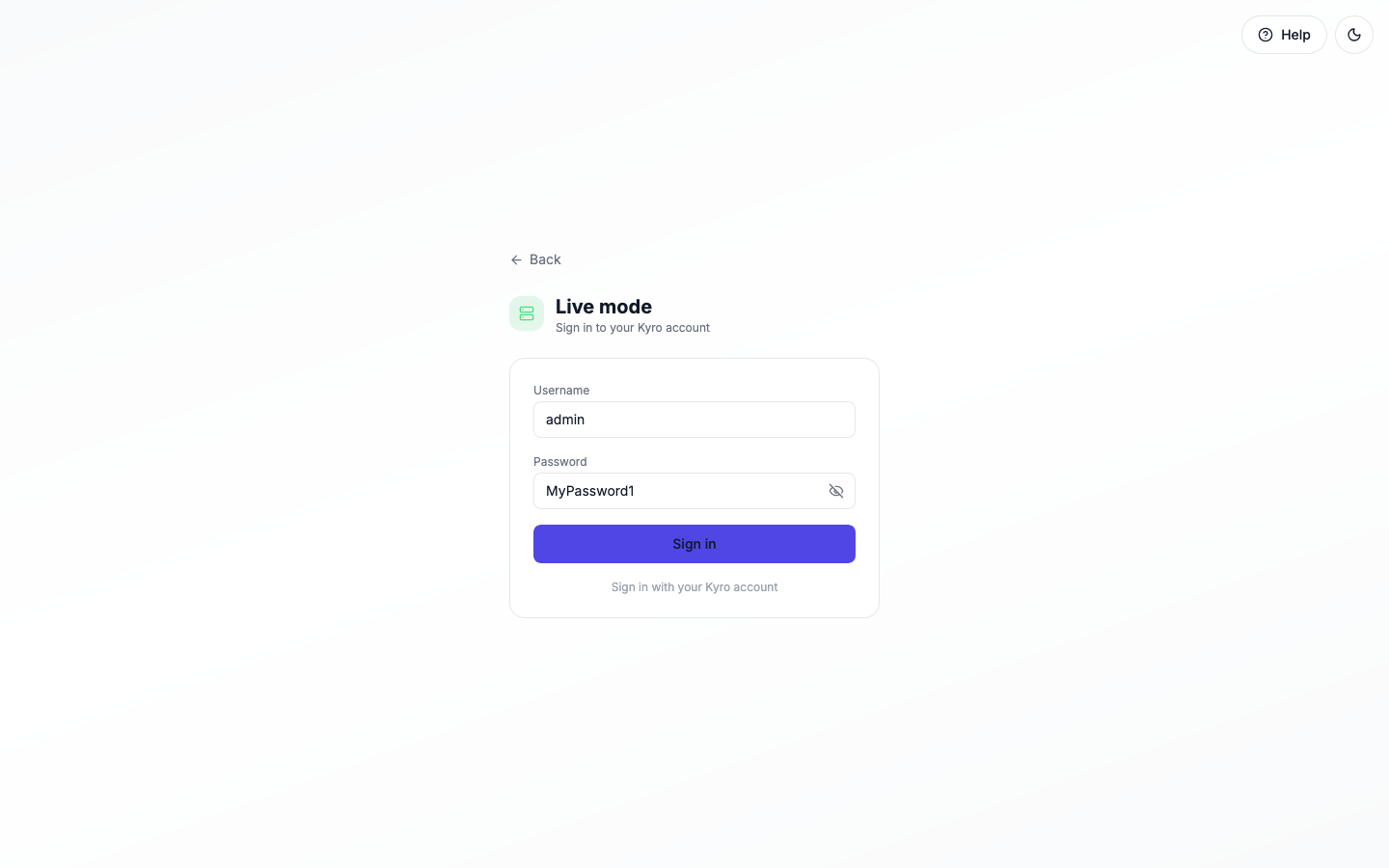
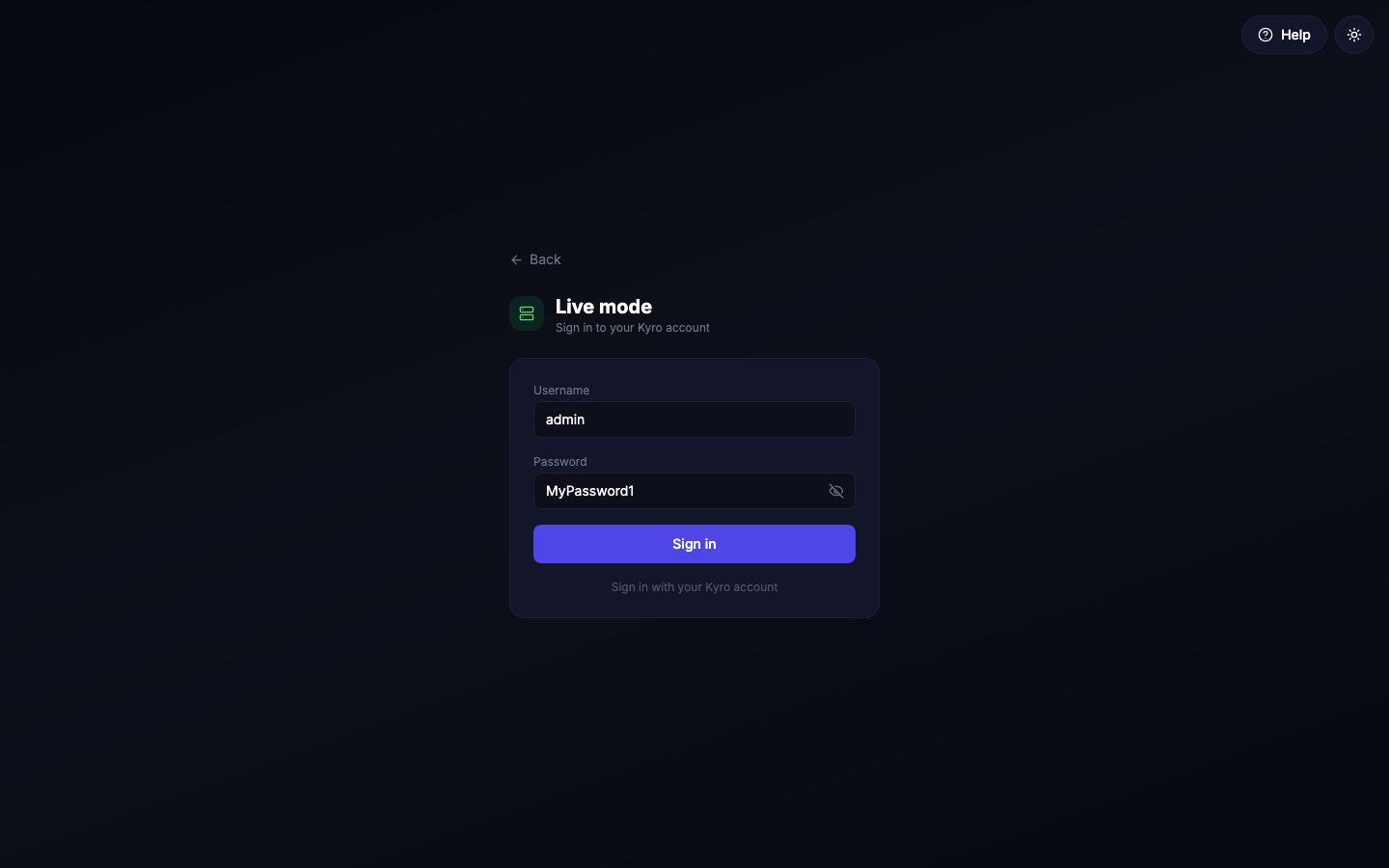
Check your password before signing in
Tap the eye at the right of the password box to show what you've typed, and tap it again to hide it. It doesn't submit the form.
Your password is checked by the Kyro server and is never stored in the app itself. If you see Wrong username or password, check it with the eye button and try again. Forgotten it? Ask your Kyro administrator to set a new one on the Users page.
Too many wrong tries
After 10 wrong passwords in a row from the same device, Kyro pauses sign-in from that device for 15 minutes. This protects your account from people guessing passwords.
Demo accounts don't work in Live
The Demo accounts (admin, sarah.usher, james.viewer) are for practice only. Live mode uses the real accounts your administrator creates.
Where you land
Signing out and switching mode
Tap Sign out at the bottom of the sidebar. This also forgets your mode, so the next time you open Kyro you can pick Demo or Live again.
How long you stay signed in
In Live mode you stay signed in on that device for up to 12 hours. If an administrator removes your account or changes your pages, it takes effect the next time you open a page. In Demo mode a sign-in lasts while that tab is open.